
Astro websites
Astro websites that load fast
Marketing sites on Astro with a headless CMS your team can edit.
- Happy Travels
- Son Of Earth Northern Rivers NSW
- Konpak Tiny Homes Australia
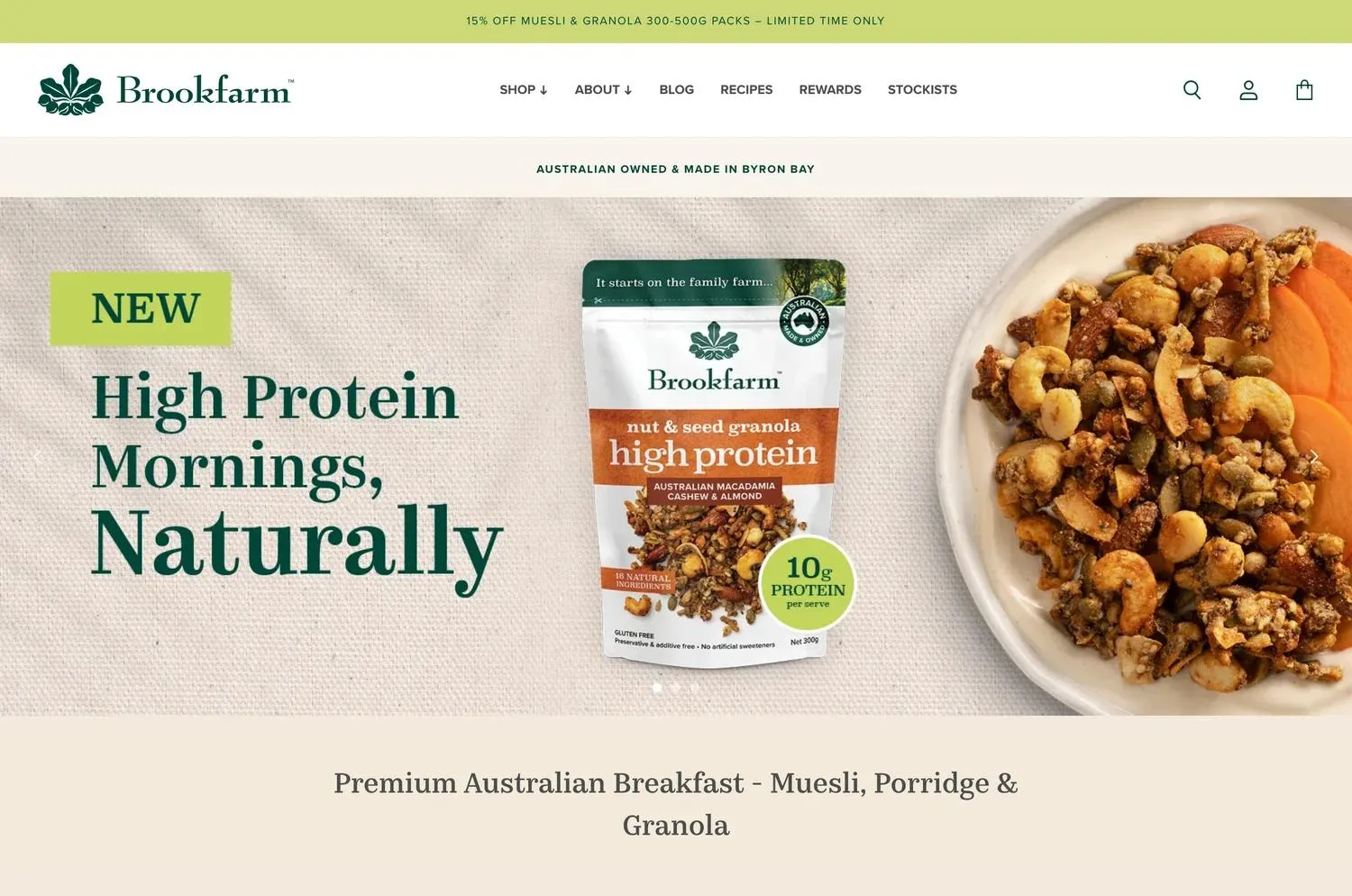
- Brookfarm Byron Bay
- Moonshine Coffee Byron Bay
- Find Creatives
- Jase Sullivan Interior Design
- Klammer
- Flim video productions
- Caffesso Gourmet Coffee
- AUNA
- NEST Apartments
- Marea Tweed Heads Logo













Why Astro
Visitors get light pages of plain HTML. Your team writes in your CMS. And the code, the content and the hosting stay in your name.











Is Astro right for you?
Astro suits some sites far better than others.
It's at its best when most pages look the same for every visitor. This is how I decide.
AstroThis pageBest for: Marketing sites, blogs and docs where every visitor sees the same pages
- Who edits pages
- Your team, in Sanity or Payload with a live preview
- Starting price
- From $12,000
- Time to launch
- 4 to 6 weeks
- Upkeep
- Static pages, so there's almost nothing to patch
- Logic and data
- Forms and APIs; logged-in areas move to a web platform
- Hosting
- Vercel or Cloudflare, in your account
WordPressBest for: Teams who already know wp-admin, or rely on its plugins
- Who edits pages
- Your team, in wp-admin with Gutenberg or Bricks
- Starting price
- From $8,000
- Time to launch
- 4 weeks
- Upkeep
- Core, theme and plugin updates to keep on top of
- Logic and data
- Forms and plugins
- Hosting
- Managed WordPress hosting
Web platformsBest for: Logins, portals, dashboards and MVPs, or code shared with a React product
- Who edits pages
- Your team, in Sanity or Payload; app screens change with the code
- Starting price
- From $15,000
- Time to launch
- 6 to 10 weeks
- Upkeep
- Package updates, plus any server code it runs
- Logic and data
- Sign-in, payments, APIs and server routes, with Supabase or Convex
- Hosting
- Vercel or Cloudflare, in your account
ShopifyBest for: Brands selling products online, with checkout and payments handled by Shopify
- Who edits pages
- Your team, in the Shopify admin, with sections set up for the pages you change most
- Starting price
- From $12,000
- Time to launch
- 5 to 8 weeks
- Upkeep
- Shopify looks after the platform; the app list stays short so the store stays quick
- Logic and data
- Products, checkout and payments run on Shopify; apps and integrations cover the rest
- Hosting
- Hosted by Shopify, on a monthly Shopify plan billed by Shopify
| Compared on | WordPress | Web platforms | Shopify | Astro |
|---|---|---|---|---|
| Best for | Teams who already know wp-admin, or rely on its plugins | Logins, portals, dashboards and MVPs, or code shared with a React product | Brands selling products online, with checkout and payments handled by Shopify | Marketing sites, blogs and docs where every visitor sees the same pages |
| Who edits pages | Your team, in wp-admin with Gutenberg or Bricks | Your team, in Sanity or Payload; app screens change with the code | Your team, in the Shopify admin, with sections set up for the pages you change most | Your team, in Sanity or Payload with a live preview |
| Starting price | From $8,000 | From $15,000 | From $12,000 | From $12,000 |
| Time to launch | 4 weeks | 6 to 10 weeks | 5 to 8 weeks | 4 to 6 weeks |
| Upkeep | Core, theme and plugin updates to keep on top of | Package updates, plus any server code it runs | Shopify looks after the platform; the app list stays short so the store stays quick | Static pages, so there's almost nothing to patch |
| Logic and data | Forms and plugins | Sign-in, payments, APIs and server routes, with Supabase or Convex | Products, checkout and payments run on Shopify; apps and integrations cover the rest | Forms and APIs; logged-in areas move to a web platform |
| Hosting | Managed WordPress hosting | Vercel or Cloudflare, in your account | Hosted by Shopify, on a monthly Shopify plan billed by Shopify | Vercel or Cloudflare, in your account |
Not sure which fits? Tell me about your project and I'll recommend one.
The process
From brief to launch in 4 to 6 weeks.
I start with your content and who edits it, set up the CMS around it, build the pages from reusable sections, then launch with every old link still working.
- PlanWeek 1
Plan the site
- List of pages and links
- CMS decision
- Who edits what
- Fixed scope and plan
- DesignWeeks 1 to 2
Design
- Homepage and key pages
- Reusable sections
- Mobile layouts
- Your sign-off
- CMSWeeks 2 to 3
Set up your CMS
- CMS set up
- Access for your editors
- Collections
- SEO fields
- BuildWeeks 3 to 5
Build the pages
- Shared styles
- Astro components
- Page templates
- Preview and publish
- LaunchWeeks 5 to 6
Launch and handover
- Redirect map
- Lighthouse check
- Launch
- Notes for your team
Case study
I rebuilt my own site first.
It had the problem I now fix for clients: a slow WordPress site that needed plugin updates every week.
WordPress → Astro
My own site, rebuilt on Astro, with projects and blog posts in Sanity and hosting on Vercel.
100/100
Lighthouse score on mobile for performance, accessibility, best practices and SEO (tested 10 September 2026)
0
Plugins or theme updates to install
The problem
My site ran on WordPress. It was slow, a plugin or theme needed updating every week, and now and then two of them clashed and something broke.
What I built
Static pages on Astro, Sanity for projects and blog posts, and hosting on Vercel. Nothing runs on a server when you visit, so there's nothing to patch.
How I run it
Projects and blog posts go out from Sanity. New pages are built from the site's shared styles and sections. I co-work with AI on the build, and I review every change.
What you get
A fast site, a CMS your team can use, and nothing locked in.
The code, the CMS and the hosting are in your name, with written notes so any developer can pick it up.
Astro and your CMS
Quick on any phone
Search basics done
Yours from day one
Moves without broken links
Pages that stay consistent
Testimonials
What clients say about working with me
“I've worked with Nico on a few projects and cannot recommend him enough. Amazing attention to detail and extremely easy to work with.. I would 100% use his services again !”
Udai Singh
“Worked with Nic on a recent website project and his work is best in class. Quick communication, easy to work with. Highly recommend!”
Cassandra Michler
“Highly recommend Nico and the team at TALKK! The mobile app we built is better than I thought it could be - Nico is sharp, reliable and delivers quality!!”
Adam Wright
“Nico and the team at TALKK did an outstanding job on our consulting company's website. Their communication was excellent throughout and they took the time to truly understand our vision and made thoughtful recommendations based on it. The end result is a polished, professional website that has received fantastic feedback from everyone who has seen it. Highly recommend!”
Lisa Willard
“Nic developed an app for me, and the entire process was smooth from start to finish. He was incredibly helpful, responsive to my needs, and communicated clearly throughout the project. I'm extremely happy with the final product and the overall experience. I'm very grateful to have had Nic as part of this project and would highly recommend him to anyone looking for a skilled and reliable developer.”
Natascha Krauss
“TALKK Web Design Studio are fantastic to work with. Exceptional communication and unique web design solutions. Highly recommend.”
Aaron Chapman
“Nico is honestly the best developer I have ever worked with. Great design eye, always delivers work above and beyond. Thanks mate.”
Ryan Baldwin
“Nicolas at Talkk took over my old website designer and has it was such a smooth transition completely updating it and making it run so smoothly. Such a great person to deal with. I would highly recommend using his services.”
jase sullivan
Tools
The tools around an Astro site.
Astro at the core, the CMS that suits your editors, and hosting made for static pages.
Framework
- Astro
- TypeScript
- Tailwind CSS
- React islands
Content
- Sanity
- Payload
- Markdown
- Live preview
Hosting and data
- Vercel
- Cloudflare
- Supabase
- Google Analytics
Workflow
- Figma
- Claude Code
- GitHub
- Lighthouse
FAQs
Astro questions, answered
Why build a marketing site on Astro?
Astro is an open-source framework for content sites. It turns pages into plain HTML ahead of time and only sends JavaScript for the parts that need it. For a marketing site, blog or docs, that means quick pages, good Core Web Vitals and code you control.
Should I pick Astro or Next.js?
Astro when most pages look the same for every visitor, like a marketing site or a blog. Next.js when the site has logged-in areas, lots of per-user pages or shares code with a React product. I build both, and I'll recommend one once I've seen your site and who runs it.
Can my team edit the site?
Yes. Your team writes and publishes in the CMS, checks the live preview, and the site updates. I set up the sections they fill in around your pages, so a new page matches the rest.
Which CMS do you use?
Usually Sanity or Payload. Sanity if you'd like it hosted for you; Payload if you'd rather keep everything on your own hosting and database. Payload runs inside a Next.js app, so it sits beside the Astro site rather than inside it.
How quickly do changes go live?
Publishing in the CMS rebuilds the site, which usually takes a minute or two. Pages that have to change the moment you publish can be served live instead. I decide that page by page.
Can you move my Framer, Webflow or WordPress site to Astro?
Yes. I list every page, move the content into the CMS, rebuild the pages and keep each link, or send it to its new address with a 301 redirect. I moved my own site off WordPress, so I know where things slip.
What does it cost?
Astro websites start from $12,000 for up to 8 pages, or $15,000 with a full headless CMS for a content team, and usually take 4 to 6 weeks. Send me a brief and you get a fixed scope and price within two business days.
Where is the site hosted, and who owns it?
Usually on Vercel or Cloudflare, in your own account. The code, the CMS and the hosting are yours from day one.
Available for projects
Let's work together
Have a project in mind? I'd love to hear about it. Let's get it built together.
hello@talkk.com.au